



Link up to 5 Lichess Accounts with Chessify to Create Game Databases
Create dedicated game databases for up to 5 Lichess accounts on Chessify. Link usernames to add and update their games automatically on a daily basis.
Chessify is excited to announce a new feature for online players: you can now link up to 5 Lichess accounts to your Chessify cloud storage to keep track of your games and analyze them. Each Lichess account will have a dedicated folder where games will be updated automatically on a daily basis.
How to Connect a Lichess Account
Connecting a Lichess account is easy and requires only a few clicks. Simply sign in to your Chessify account and follow these steps to connect your first account:
- 1. Go to the Cloud Storage tab: This tab is located on the same line as Notation.
- 2. Click "Connect Lichess Account": You'll find this button at the bottom of the section.
- 3. Enter the Lichess username: Type the username of the Lichess account you want to connect.
- 4. Click "Connect": And you're all set!
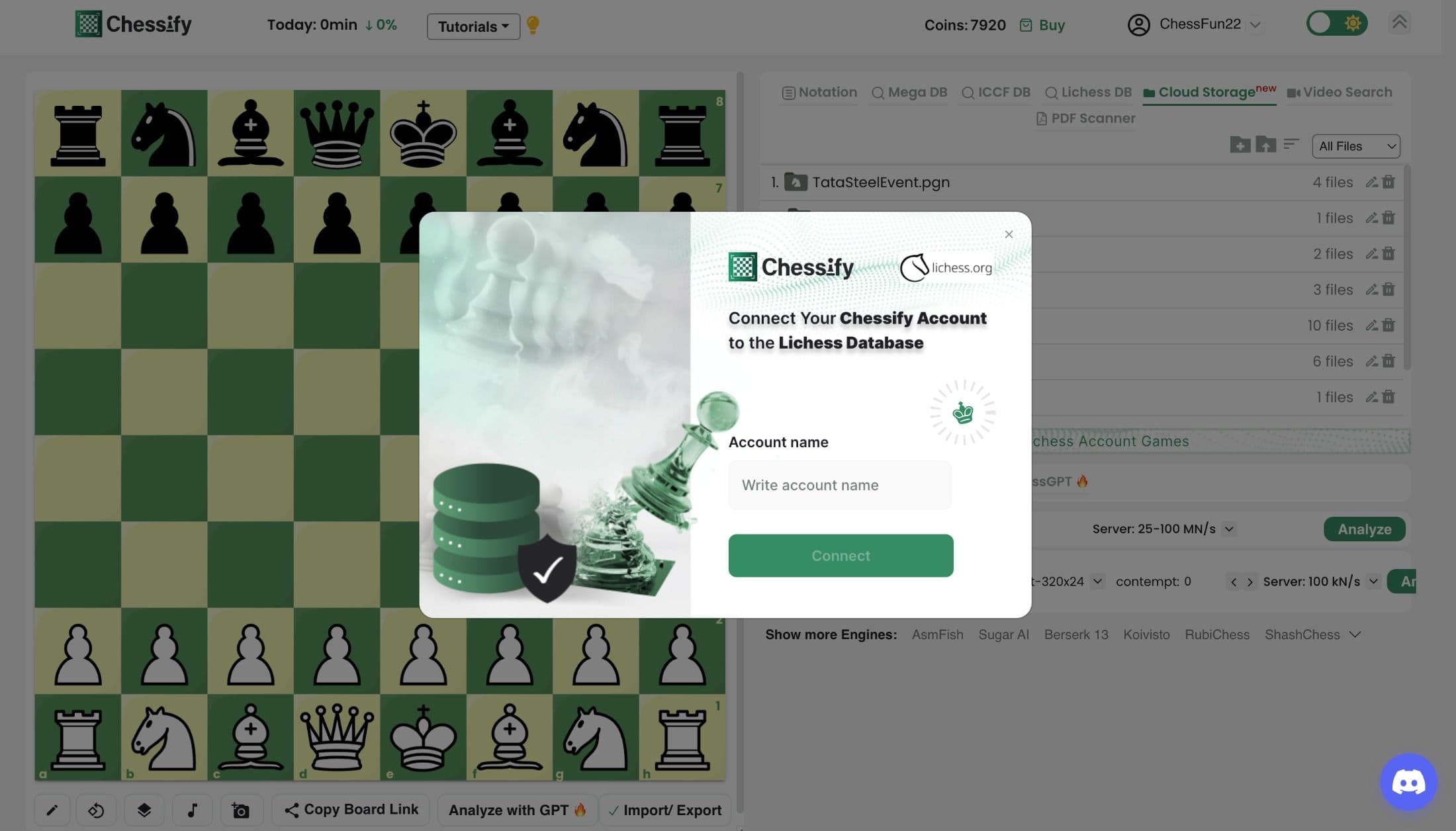
If the connection fails, please check the username you entered. Also, note that some Lichess accounts set to private mode cannot be connected since we cannot retrieve their games. In all other cases, you can connect up to 5 Lichess accounts and have their games added to your Chessify folders automatically.
Benefits and Usage
This feature is free for all registered users, even without a subscription or sufficient cloud storage. You can connect your Lichess account and access your games for analysis anytime. Additionally, you can link up to 4 extra accounts — ideal for following your main opponents or learning from strong players.
We encourage you to take full advantage of this new feature to enhance your game analysis and improvement. For any assistance or to share your suggestions, join our Discord server.
Enjoy seamless integration and enhanced game analysis with Chessify!


